mirror of
https://github.com/zoriya/flood.git
synced 2026-06-02 02:56:05 +00:00
 John Furrow
Flood
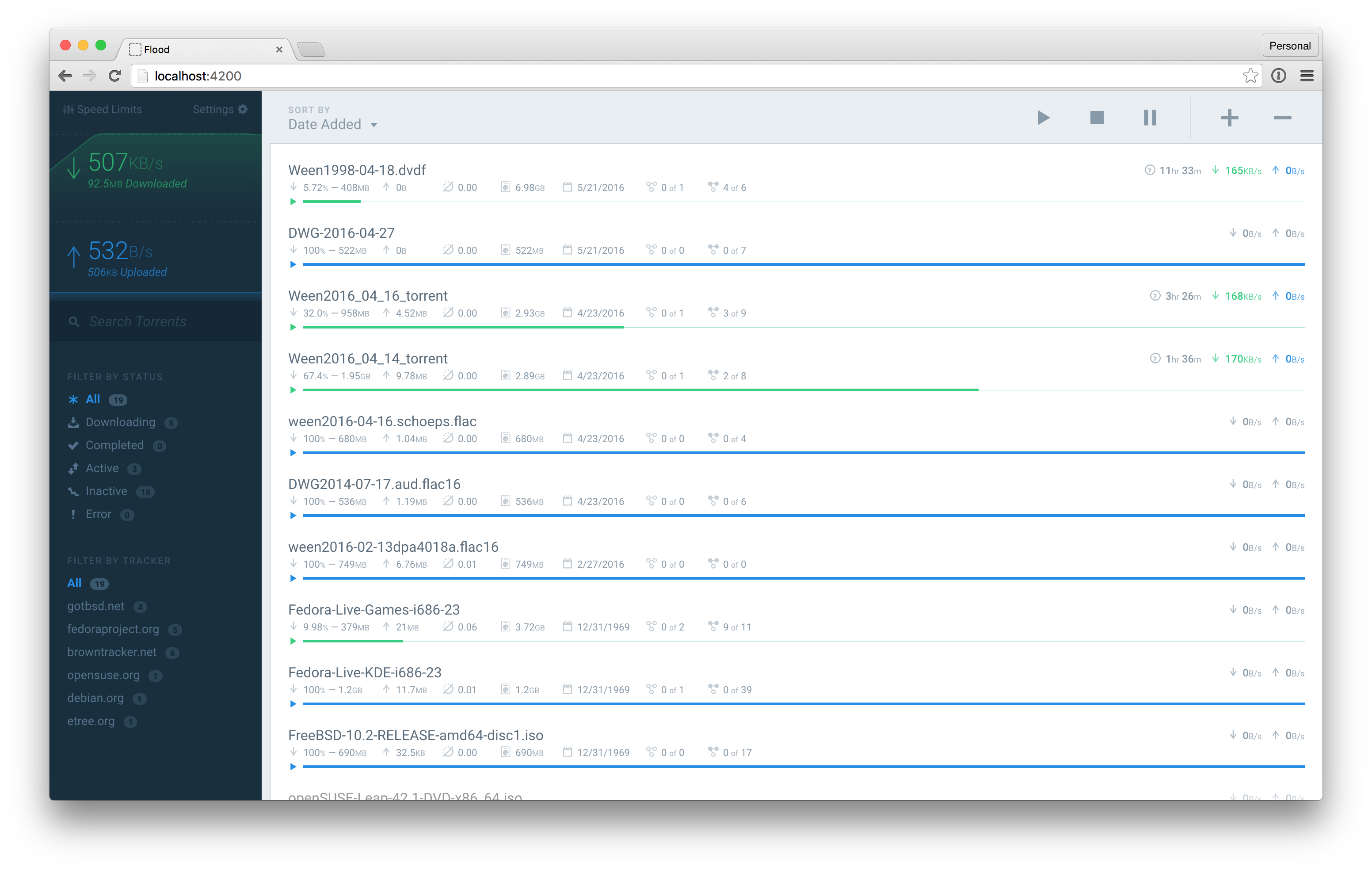
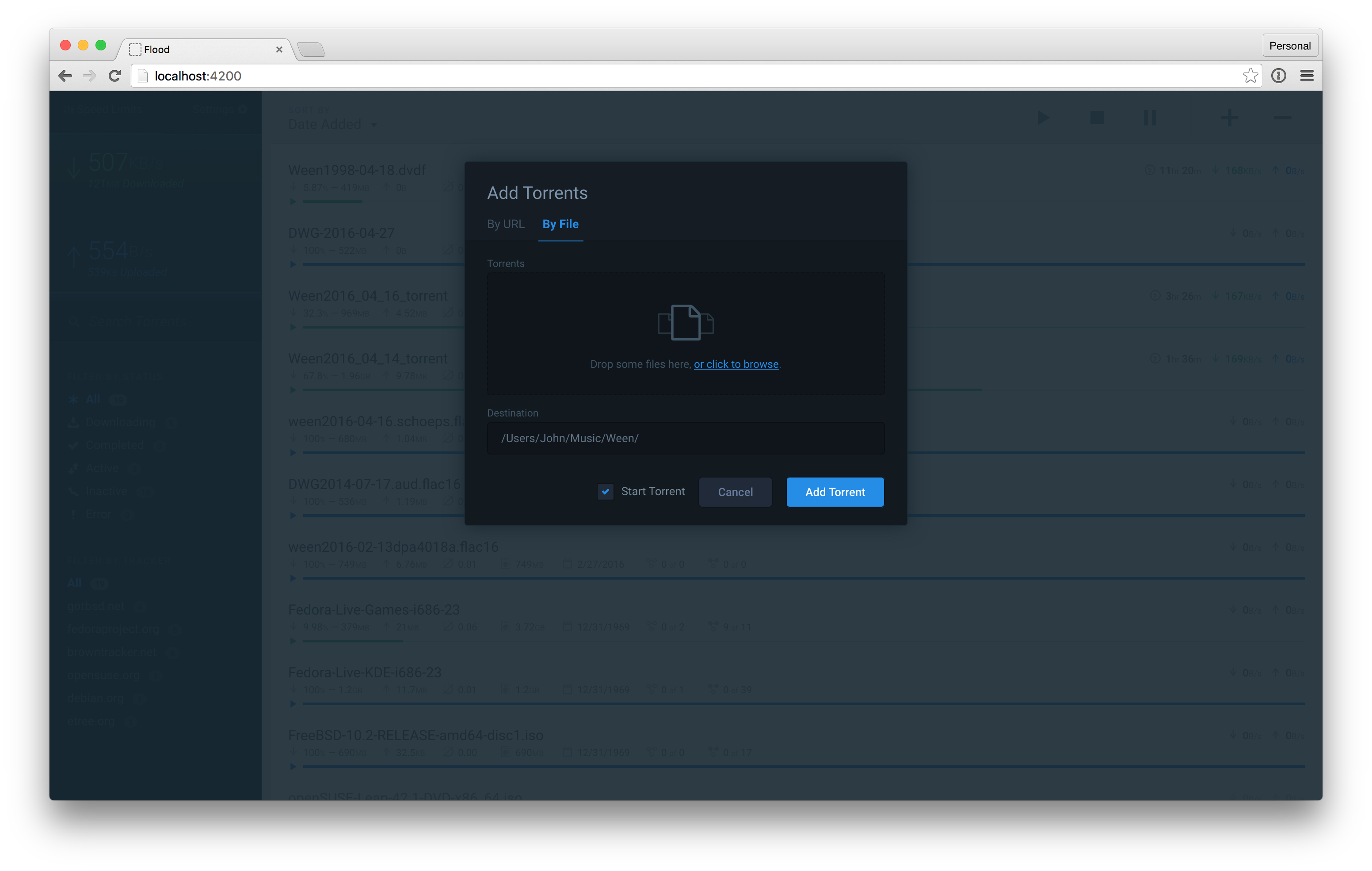
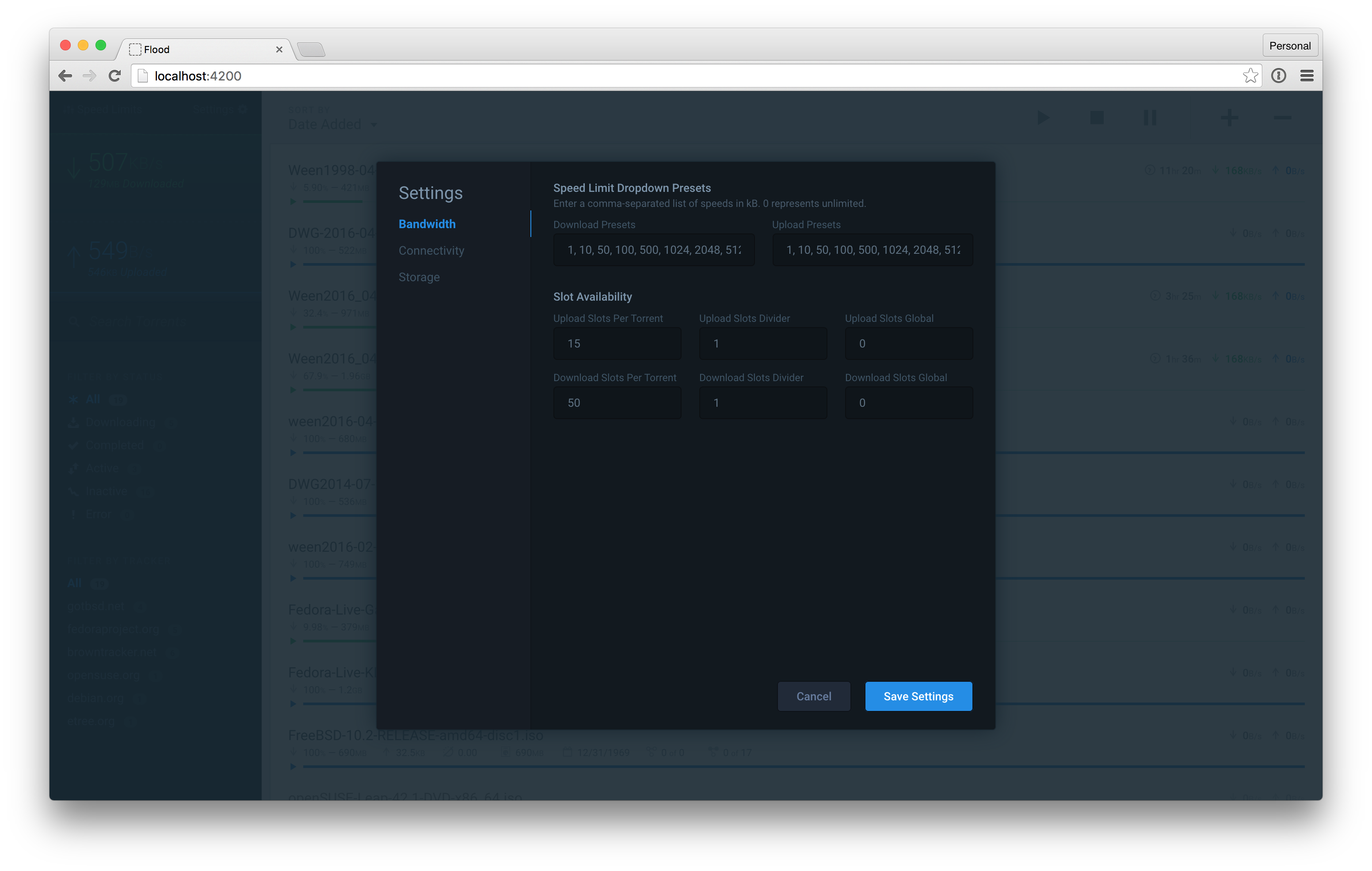
Flood is another web interface for rtorrent. It implements a Node.js server for communicating with the rTorrent API, storing historical data, and serving the web UI.
It's a work-in-progress, and it might not have all of the features you want (yet). However, new features are added frequently. Feel free to file an issue and I'll try to prioritize your feature requests.
Usage
Pre-Requisites
- rTorrent needs to be installed with XMLRPC configuration. If you are currently using a web UI for rTorrent, you've already done this.
- On OS X, brew makes it simple. After installing brew, just run
brew install rtorrent --with-xmlrpc-c. - For Linux, there are plenty of guides available. Here's one.
- For Windows, try this guide (I haven't tested this, let me know if you have problems).
- Install NodeJS version
4.x:
Configuration
- Add your rTorrent SCGI hostname and port in
config.js. Defaults arelocalhostand5000. - Copy
server/db/users.js.exampletoserver/db/users.jsand add a username and password (password is stored in plain text for now, but this file is not accessible publicly).
Start It
- Run
npm startin your terminal at this repo's root.
- On first run, this may take a few minutes while it installs dependencies and transpiles JavaScript & CSS assets.
- Access the UI in your browser at
localhost:3000.
- To change the default port, run
npm start localhost {port}.
Updating
- To update, simply
git pullin this repository's directory, then kill the running server (generallyctrl+c) and restart it withnpm start.
- The
startscript removes old dependencies, installs new ones, transpiles JavaScript and CSS, and starts the web server.
Tips
- I run the web server with
screento keep the web server running independently of the terminal session.
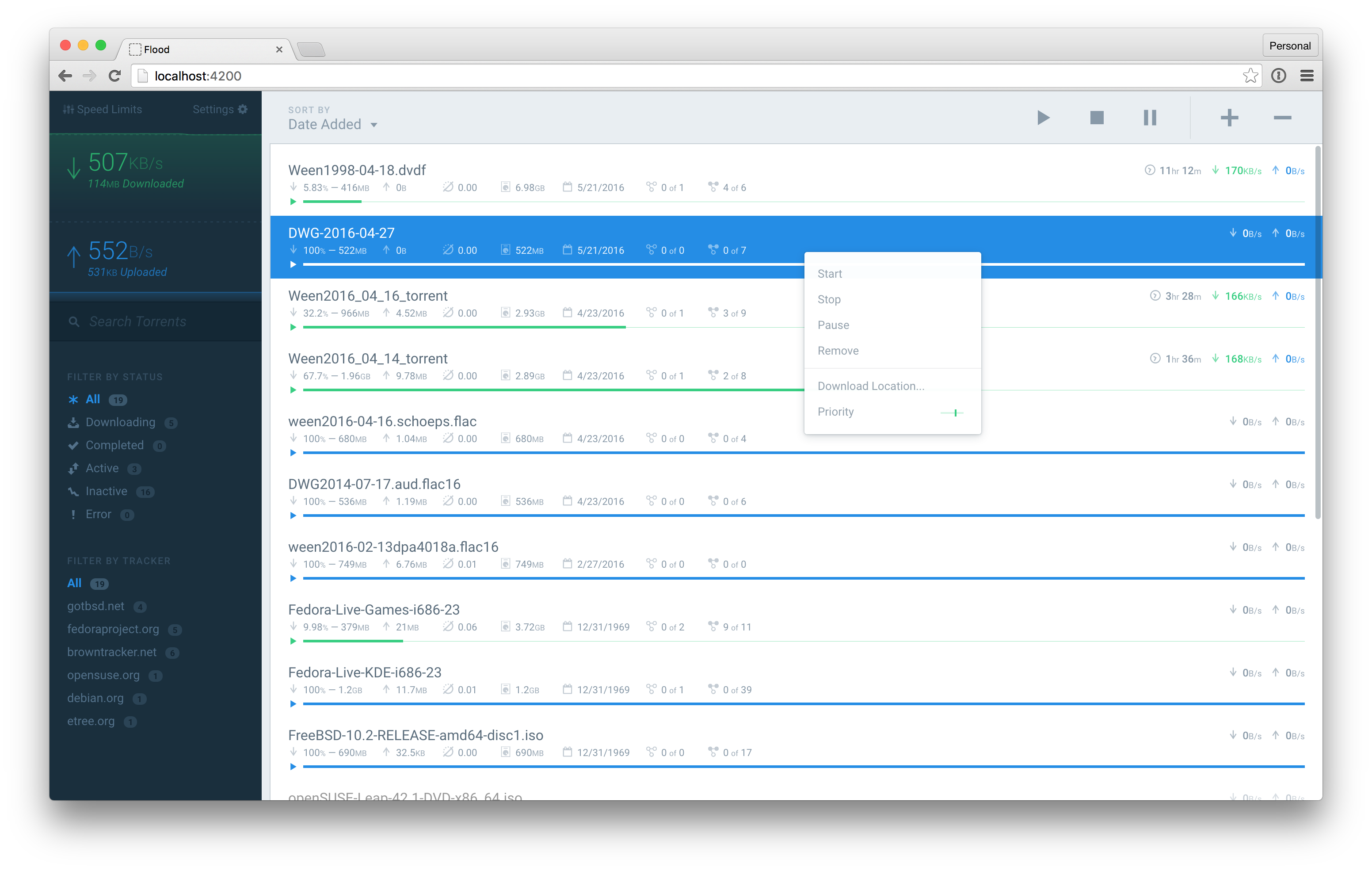
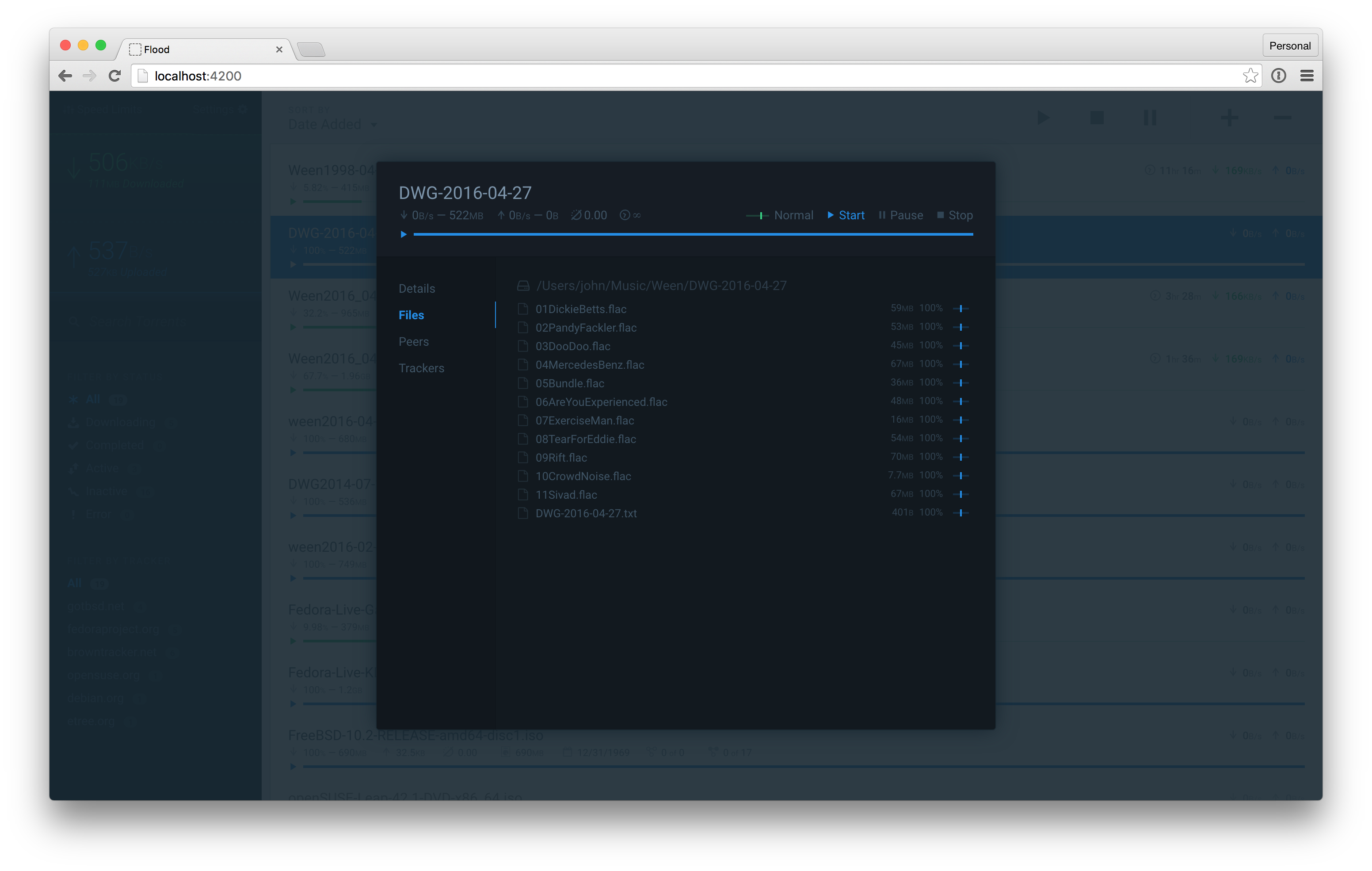
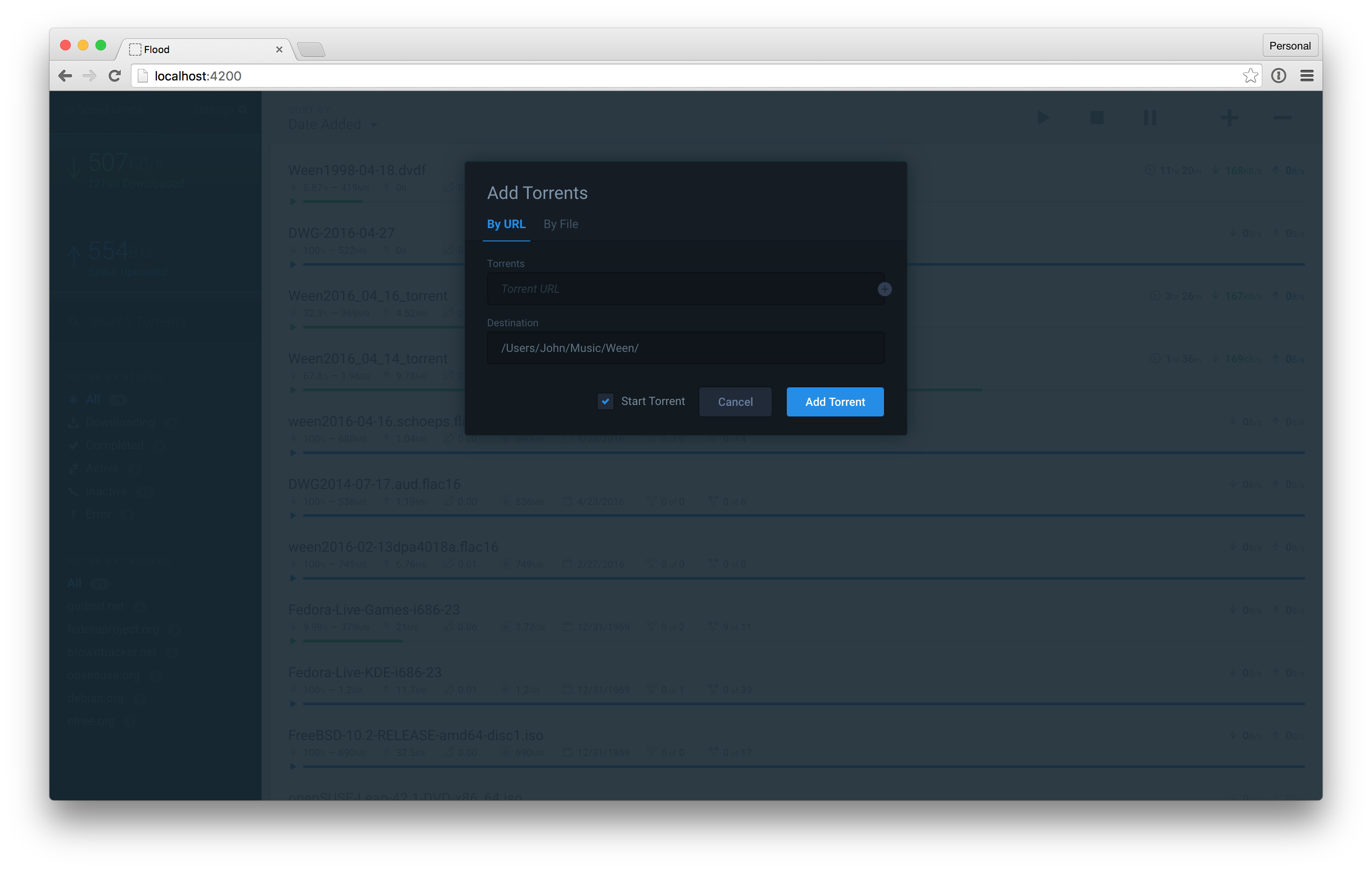
Screenshots